AI automation agent for ecommerce: capturing leads without a pop-up form

Short answer
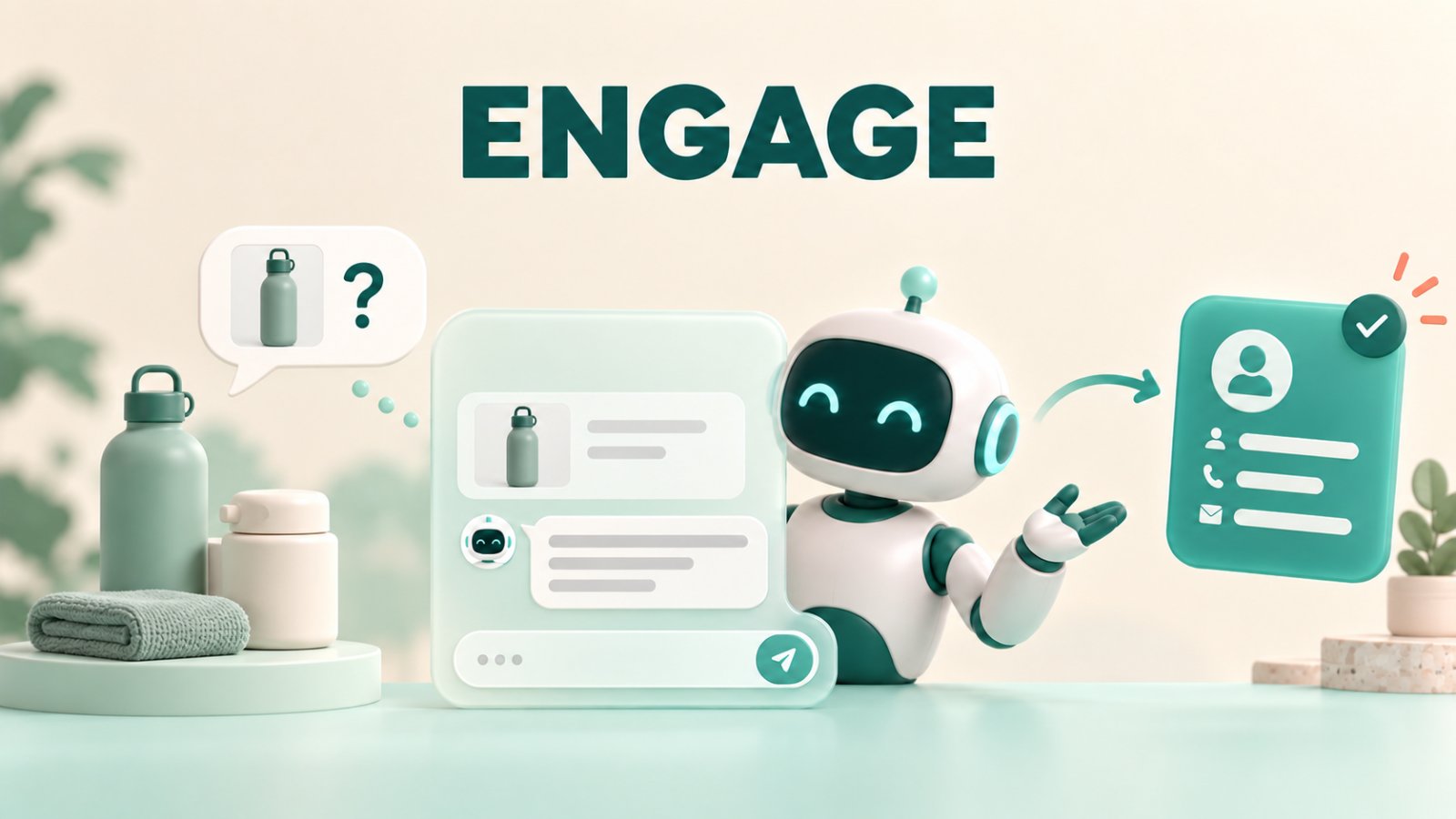
Matram can capture ecommerce leads inside the conversation instead of covering the storefront with a pop-up. It first answers a product, sizing, delivery or returns question from the store’s content and shows the source. When the shopper requests follow-up, Matram can collect the relevant details, save the chat summary and route the lead through an enabled destination. A useful AI chatbot lead capture ecommerce flow asks at the point of intent, not on page load.
TL;DR
Matram answers the shopping question before requesting contact details.
The lead prompt appears inside the chat and stays connected to what the shopper wants.
Product, size-guide, delivery, returns and FAQ pages provide the answer material.
Matram can save, summarise and route captured leads when the relevant action is enabled.
It does not natively detect abandoned carts, read live inventory or look up an individual order.
Introduction
A shopper lands on a product page and starts comparing sizes. Before they have read the first paragraph, a discount box covers the screen and asks for an email.
They close it. Five minutes later, they have a real question about fit. The store has already used its one chance to ask.
Matram takes the opposite route. It lets the shopper ask first, answers from the store’s product and policy content, then requests details only when the conversation reaches a useful follow-up. That is the practical difference between a pop-up and an AI chatbot lead capture ecommerce flow. One interrupts attention. The other earns permission inside the buying conversation.
A pop-up and a Matram lead prompt do different jobs
A pop-up is triggered by time, scrolling, exit intent or page entry. It does not know why the visitor is there. Different shoppers see the same request.
Matram has the conversation before it asks. The shopper’s words provide the context:
- “Is this jacket waterproof?”
- “Will the large fit a 42-inch chest?”
- “Can you supply 60 units?”
- “Do you deliver to Kochi?”
Those situations need different responses. Product advice, sizing help and wholesale requests may need follow-up. A delivery question may need only a cited answer. One discount message throws away that context.
An AI chatbot lead capture ecommerce workflow keeps that reason attached to the record. Matram can capture the visitor after helping and store a summary of the exchange, so the person following up sees more than an address.
Start with the questions that stop a purchase
Matram answers from the material connected to it. For an ecommerce store, useful sources include:
- product descriptions, materials and care information;
- size guides and compatibility tables;
- shipping, delivery, returns and exchange policies;
- warranty terms; and
- wholesale or bulk-order information.
Do not load the store and assume the work is finished. Check the questions already reaching email, social DMs and live chat. If the website does not contain the answer, write the source first.
A shopper checking a return needs the current policy, not an unsupported paraphrase. Matram links the source used for each answer, and strict mode can decline when the content does not support a reply.
The Matram ecommerce chatbot page explains the same boundary: product and policy questions work from store content, while live order data needs a separate system connection.
Build the capture moment around the shopper’s next step
The lead request should complete something the shopper asked for, not block the answer.
| Shopper moment | What Matram answers first\ | Sensible capture offer | What not to claim |
|---|---|---|---|
| Product comparison | Differences stated on product pages | Send the comparison or arrange specialist advice | Do not invent a “best” product without supporting criteria |
| Size or compatibility uncertainty | Published size guide or compatibility details | Ask for follow-up when the available content cannot settle the choice | Do not promise fit from missing measurements |
| Stock interest | What the current page states | Record interest for a team update | Do not claim live stock visibility unless it is connected |
| Delivery question | Published regions, times and thresholds | Offer human confirmation for an edge case | Do not guarantee an arrival date the policy cannot support |
| Wholesale enquiry | Published minimums or trade terms | Capture quantity, use case and business contact | Do not quote a custom price the source does not contain |
This makes AI chatbot lead capture ecommerce different from a generic form. The contact request follows the shopper’s decision and carries its context forward.
Configure Matram for answer-first ecommerce capture
The order matters.
1. Connect the storefront content
Add the store URL or sitemap so Matram can process product, collection and policy pages. Upload a current file when a size guide is not available as a page. Remove outdated sources.
Matram’s JavaScript widget can sit on Shopify, WooCommerce, BigCommerce, Wix, Squarespace or a custom storefront. It is an embed, not a native commerce integration.
2. Set the answer boundary
Use strict mode when an unsupported product, safety, delivery or returns claim would create a problem. Matram can answer from published material and offer a person when the source is silent.
Matram can point to a product using indexed descriptions and stated requirements. It is not a behavioural recommendation engine reading browsing history in real time.
3. Choose capture signals, not a timer
Tie the request to a clear signal:
- the shopper asks for a comparison to be sent;
- the answer needs a product specialist;
- the shopper raises a trade or bulk requirement; or
- the shopper asks to be contacted.
Matram can use proactive messages after a delay, but they should open a relevant conversation. “Need help with sizing or delivery?” gives the shopper a reason to engage. “Enter your email before you leave” does not.
4. Collect only what the follow-up needs
An AI chatbot lead capture ecommerce flow may need a name, email and the item discussed. A wholesale enquiry may also need company, quantity and timing.
If the team will reply by email, do not force a phone number. Do not ask for data merely because the CRM has a field for it.
5. Decide where the record goes
Matram records leads in its dashboard with a chat summary and CSV export. It can also upsert a HubSpot contact, open a Zendesk ticket or post through an HMAC-signed webhook when configured.
Match the destination to the owner. Product-advice leads may belong with service, wholesale enquiries with sales, and complaints with a person rather than a sales sequence.
The best-chatbot-for-lead-generation guide is useful here because it separates capture from routing. A lead sitting unnoticed in a dashboard is not a completed workflow.
What a natural Matram exchange looks like
The conversation can stay short.
Shopper: Is this speaker suitable for a small studio?
Matram: The product page lists it for home and small-studio monitoring. I’ve linked the source. What will you connect it to?
Shopper: An audio interface and a laptop.
Matram: The listed inputs support that setup. Would you like a side-by-side with the smaller model before deciding?
Shopper: Yes.
Matram: I can send the comparison and include your setup for context. What name and email should I use?
Matram answers, checks one relevant detail and offers something the shopper requested. The email has a purpose.
The chatbot script examples use the same ecommerce pattern: useful answer first, optional follow-up second.
Keep order status and cart recovery out of the promise
Matram does not natively plug into a store’s cart or order API. It cannot see that a shopper abandoned checkout, read live inventory from Shopify or answer “Where is order #1247?” from private order data by default.
Matram’s role in AI chatbot lead capture ecommerce is to answer from published storefront content, capture interest and route the conversation. Abandoned-cart emails, authenticated order lookups and account changes need commerce data and a suitable integration.
Use a commerce-native tool for those jobs or build the connection separately. Do not make Matram promise an action it cannot verify.
The chatbot use-cases guide draws the line clearly: product, policy and lead-capture questions can run on content; named order lookups need system access.
Test the flow like a shopper, not an administrator
Run the AI chatbot lead capture ecommerce journey on a phone and desktop before publishing it.
Test at least these paths:
- A shopper gets an answer and declines follow-up.
- A shopper accepts a comparison by email.
- A wholesale buyer provides quantity and contact details.
- Matram cannot find a size or compatibility answer.
- A shopper asks about live stock or a specific order.
- A complaint needs a human handoff.
Inspect the answer, citation, fields, summary and destination. Confirm that the visitor knows what happens next. Avoid “We will contact you shortly” unless the team has defined and can meet that timing.
Measure the conversations that became useful records
Do not judge chat against a pop-up by email count alone. A discount signup and a wholesale enquiry are not equal leads.
Measure:
- capture offers accepted and declined;
- records containing the product and question;
- leads accepted by the receiving team;
- response time for high-intent enquiries; and
- repeated questions exposing a weak product page.
Review Matram transcripts during the first month. If a repeated detail is absent, fix the page. If routine questions trigger contact capture, narrow the rule. If wholesale leads lack quantity or product context, adjust the questions.
That feedback loop is the real value of AI chatbot lead capture ecommerce. The chat captures buyers, but it also shows where the storefront failed to answer them.
Frequently asked questions
Can Matram capture ecommerce leads without a pop-up form?
Yes. Matram can request details after answering the shopper and identifying a useful next step. No separate pop-up is required.
Does Matram work on Shopify and WooCommerce?
Yes. Its JavaScript widget runs on Shopify, WooCommerce and other storefronts. It is not a native app and does not automatically access private cart or order data.
What should an AI chatbot lead capture ecommerce flow collect?
Collect the minimum for follow-up: usually name, email and the product or question. Add quantity, company, postcode or timing only when used.
Can Matram send the lead to a CRM?
Matram can record the lead in its dashboard and export it to CSV. When configured, its automation agent can upsert a HubSpot contact, create a Zendesk ticket or send an HMAC-signed webhook.
Can Matram recover an abandoned cart?
Not from a cart-abandonment event by default. Matram can answer questions that may be blocking the purchase and capture a shopper who requests follow-up, but it does not natively watch checkout events.
Replace the interruption with a useful conversation
A pop-up asks because the visitor arrived. Matram asks because the conversation reached a point where follow-up makes sense.
For a strong AI chatbot lead capture ecommerce flow, train Matram on accurate product and policy pages, answer before asking, connect the contact request to a real benefit and send the record to an owner who will act. Keep order status, live inventory and abandoned-cart detection outside the promise unless those systems are genuinely connected.
Start a 30-day Matram trial with no credit card. Test it on the product questions already reaching your inbox, then inspect which conversations deserve capture before turning the flow on for every shopper.
See Matram in action
Watch it answer from real content, with the exact source page cited, on the live demo.
Book a demo