AI Lead Routing to Your CRM: Complete Guide

Short answer
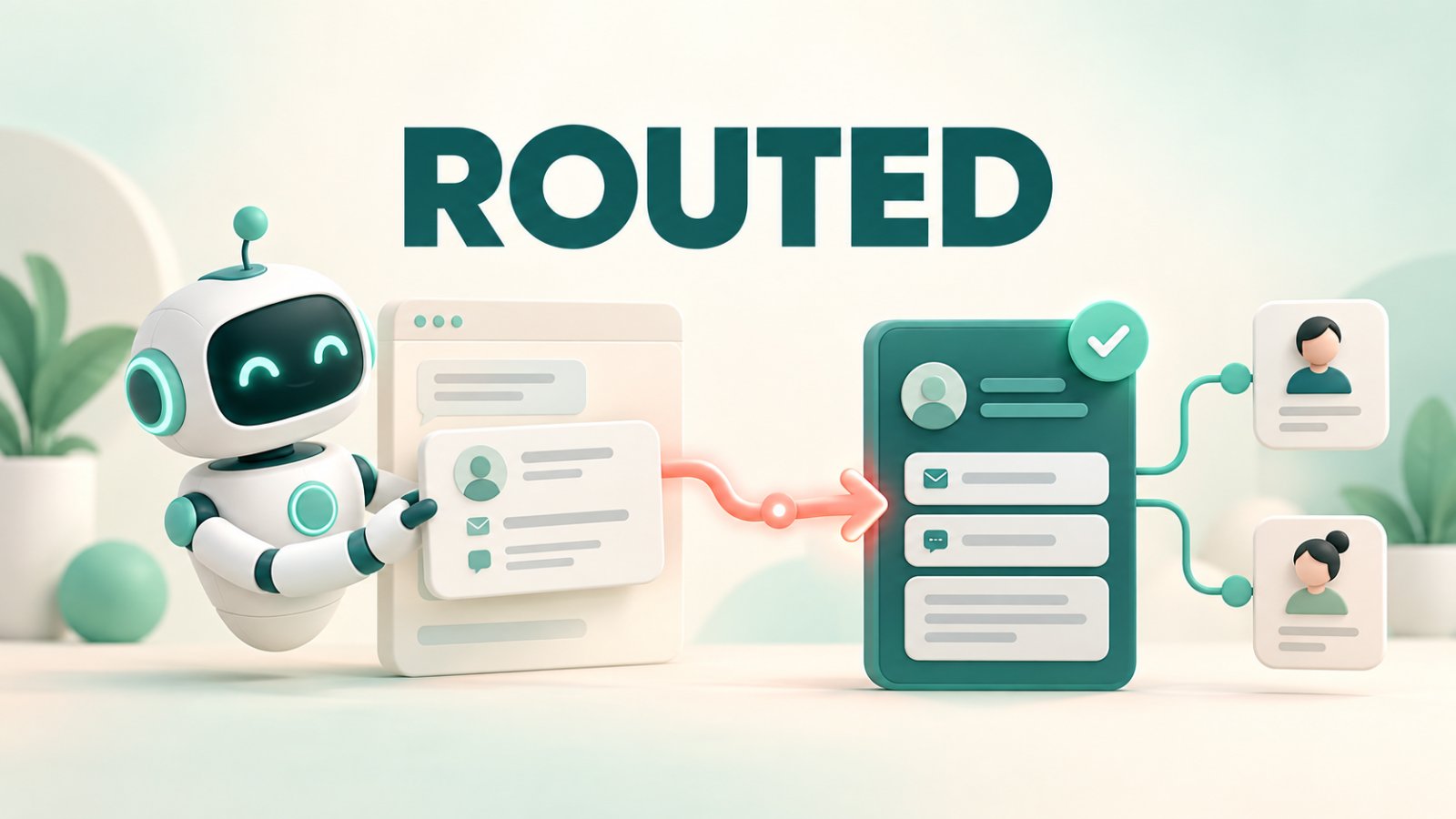
AI lead routing to CRM means sending a captured website lead, along with the useful context from the conversation, to the system where your team will follow up. With Matram, you can create or update a HubSpot contact and attach the conversation as a note, open a Zendesk ticket for a service-led enquiry, or send the lead and transcript to another CRM through an HMAC-signed webhook. Matram handles the handoff. Your CRM or connected workflow should then apply your ownership, territory, pipeline and follow-up rules.
TL;DR
Matram routes captured leads to HubSpot, Zendesk or another system through a signed webhook.
HubSpot contacts are created or updated by email, with the conversation added as a note.
Matram de-duplicates leads by email.
Territory, round robin, deal and pipeline rules remain in the CRM or automation layer.
Test new, returning, incomplete and failed-delivery cases before launch.
Introduction
Capturing a name and email address is only half the job. The lead must reach the right system with enough context for useful follow-up and become somebody's responsibility. Otherwise, two colleagues may contact the same person or nobody may respond.
That is the problem AI lead routing to CRM should solve.
Matram connects the website conversation with the system your team already uses. Instead of passing an isolated form submission, it sends the contact details with the conversation context. Your team can see what the visitor asked and why they need help.
This guide covers Matram's delivery paths, field mapping, ownership, security, testing and current product boundaries.
What AI lead routing to CRM actually means
AI lead routing to CRM is the controlled transfer of a qualified conversation from an AI agent to a customer system. It should not give a model unrestricted access to your CRM.
A complete route has five parts:
- Trigger: The visitor shares details or asks for a person.
- Identity: Matram captures a usable identifier, usually email.
- Context: The record includes the conversation or a summary.
- Destination: Matram sends it to HubSpot, Zendesk or a webhook.
- Ownership: The receiving system assigns the person, queue or next action.
Matram handles the conversation, capture and delivery. Your CRM remains the system of record and applies the operational rules.
If you are still designing the capture stage, start with Matram's guide to choosing the best chatbot for lead generation. This article focuses on what happens after the visitor has become a lead.
Choose the right Matram routing path
Matram supports different routes because not every enquiry belongs in the same system.
| Matram route | Best use | What arrives | Important boundary |
|---|---|---|---|
| Native HubSpot action | Sales follow-up | Created or updated contact with a conversation note | No deals, pipeline changes, custom objects or CRM read-back |
| Zendesk action | Support-led enquiries and service escalation | A ticket with the visitor as requester and the transcript included | Ticket assignment and support workflows remain configured in Zendesk |
| HMAC-signed webhook | Another CRM, middleware or custom system | Lead data, transcript and event details | Your endpoint validates and transforms the request |
| Matram dashboard or export | Manual review, backup or an early-stage process | Captured lead records for review or export | A person must own the manual transfer and follow-up process |
Use HubSpot when contact creation and context are enough, Zendesk when the enquiry should become a support ticket, and a webhook when the destination requires custom mapping.
Step 1: Define the result before configuring the route
Begin with the record and action your team needs. A sales enquiry may need an updated contact, source, conversation note, owner and follow-up deadline. A service enquiry may need a Zendesk ticket instead. This prevents support requests from entering sales simply because the visitor supplied an email address.
Write down the result for each enquiry type. Clear outcomes make AI lead routing to CRM predictable and keep business rules outside the model's interpretation.
Step 2: Capture only the information the route needs
Matram should collect enough information to identify the visitor and support the next action without turning the conversation into a long form.
Matram uses email to de-duplicate captured leads, so a returning visitor can update the existing record. Request phone or location only when the process requires it.
The conversation may already reveal the problem, use case or urgency. Ask only for missing details. This follows Matram's chatbot best practices: help first, then request information at a relevant moment.
Before activating AI lead routing to CRM, define the minimum valid record. A sales route may require email and a clear request, while support may require email and an unresolved issue.
Step 3: Map Matram data to clear CRM fields
Field mapping determines whether the delivered lead is immediately useful or becomes cleanup work.
Map email to email, name to name and phone to phone. Keep source data in dedicated fields, and put the transcript or summary in a note or activity rather than a short text property.
Document each transformation. If Matram collects a full name but the CRM expects separate fields, decide how incomplete names will be handled. Never invent data to satisfy a required field.
A useful record includes identity, supplied contact details, the enquiry, summary or transcript, source, required consent data and capture time.
Step 4: Configure the Matram destination
Route directly to HubSpot
Matram's HubSpot integration uses OAuth. It creates or updates a contact by email and attaches the conversation as a note. Matram writes the contact and note but does not read CRM data back into chat.
This fits teams that use HubSpot as their contact system. HubSpot workflows can assign an owner, create a task or notify a team after Matram writes the contact.
The current action does not create deals, change pipeline stages or sync custom objects. Configure those steps in HubSpot or controlled middleware.
Route to Zendesk
Use Matram's Zendesk route when the visitor needs service. Matram opens a ticket, uses the visitor as requester and includes the conversation.
Zendesk then applies queue, priority, assignment and service-level rules while Matram handles the conversation and handoff.
Route through a signed webhook
For Salesforce, a custom CRM or another workflow system, use Matram's API and webhook integration. Matram can post the lead and conversation data to your chosen endpoint. When a webhook secret is configured, it signs the payload with HMAC-SHA256 and sends the signature in the x-signature header.
Verify the signature against the raw request body before processing it. Then validate required values, transform fields and upsert the CRM record.
The webhook makes AI lead routing to CRM flexible, but your team owns the endpoint, errors, transformations and downstream permissions.
Step 5: Keep ownership rules explicit
Lead routing fails when delivery and ownership are treated as the same event. A record can arrive in the CRM successfully and still sit untouched.
Define ownership using explicit facts such as territory, product, customer status, company size, sales or support intent, named accounts and round robin eligibility.
Matram provides the facts and context. The CRM applies the rules because it maintains permissions, availability and account ownership.
Include a fallback queue for missing locations, unexpected values or unavailable representatives. AI lead routing to CRM is reliable only when exceptions remain visible.
Step 6: Secure the connection and minimise access
For HubSpot, use Matram's OAuth connection rather than sharing credentials. For webhooks, use HTTPS, configure a secret, verify the HMAC signature over the raw body and reject invalid requests.
Give credentials only the permissions required for the route. Avoid putting passwords, payment details or authentication tokens into CRM notes or transcripts.
Matram's broader guide on how to build a chatbot is useful when you are aligning the knowledge, behaviour, escalation and launch checks around the routing setup.
Step 7: Test the complete journey
Test from the visitor's first message to the assigned record, not only the connection screen.
Run at least these cases:
- New lead: Confirm the record arrives with the right context.
- Returning lead: Confirm the same HubSpot contact is updated.
- Incomplete lead: Confirm missing data produces the intended prompt or fallback.
- Different intent: Verify sales and support reach different destinations.
- Failure: Disable the endpoint and confirm the error becomes visible.
- Unexpected value: Confirm an unknown region reaches the fallback queue.
- Sensitive input: Confirm prohibited data is not stored.
Use test aliases and inspect the CRM record, note, ticket, owner and notification. Do not approve AI lead routing to CRM based only on the website message.
Step 8: Measure delivery and follow-up separately
Track leads captured, records delivered, failures, duplicates, fallback volume, time to assignment, time to first human response and qualified outcomes by route.
High delivery with slow follow-up is an ownership problem. Low delivery points to the connection, validation or mapping. Review both layers.
Matram's collection of practical chatbot use cases can help teams decide which conversations should produce a lead, a support ticket or no handoff at all.
Common AI lead routing mistakes
- Routing every conversation: Trigger the route when the visitor shares contact details or requests follow-up. Routine answered questions should not flood the CRM.
- Sending no context: Include the enquiry and useful conversation details so the human does not repeat discovery.
- Letting AI invent the owner: Use deterministic CRM rules instead of asking a model to guess.
- Ignoring duplicates: Use email consistently and test HubSpot with a returning visitor.
- Hiding failures: Send failed routes to an alert, log or recovery queue.
- Overstating HubSpot: Matram writes the contact and conversation note. Deal, pipeline, custom-object and read-back actions remain separate.
Frequently asked questions
Can Matram route leads directly to HubSpot?
Yes. Matram can create or update a HubSpot contact by email and attach the conversation as a note. HubSpot workflows can then handle owner assignment, notifications and other permitted downstream actions.
Does Matram decide which salesperson receives the lead?
Matram supplies the captured details and routes the record to the configured destination. Territory, round robin and account-owner assignment should be managed through explicit rules in the CRM or connected workflow.
Is a webhook secure enough for CRM lead routing?
It can be when implemented correctly. Use HTTPS, configure a secret, verify Matram's HMAC-SHA256 signature against the raw request body, limit downstream permissions and monitor failures.
Build a route your team can trust
Good AI lead routing to CRM sends the right record to the right place with context, ownership and a recoverable failure path.
Matram keeps that handoff focused. Use the native HubSpot action for contact upserts and conversation notes, Zendesk for service tickets, or a signed webhook when your CRM requires custom handling. Keep territory, pipeline and assignment rules in the system where your team already manages them.
Test new and returning visitors, incomplete details, different intents and a failed destination. Measure delivery and human response separately. That is how AI lead routing to CRM becomes an operational process.
Ready to give every qualified conversation a clear next step? Build your Matram agent, connect HubSpot, Zendesk or your signed webhook, and test the complete route before launch. Give your team the lead details, conversation context and ownership path it needs to follow up without losing the thread.
See Matram in action
Watch it answer from real content, with the exact source page cited, on the live demo.
Book a demo