Migrating your trained web chatbot to WhatsApp: what carries over

Short answer
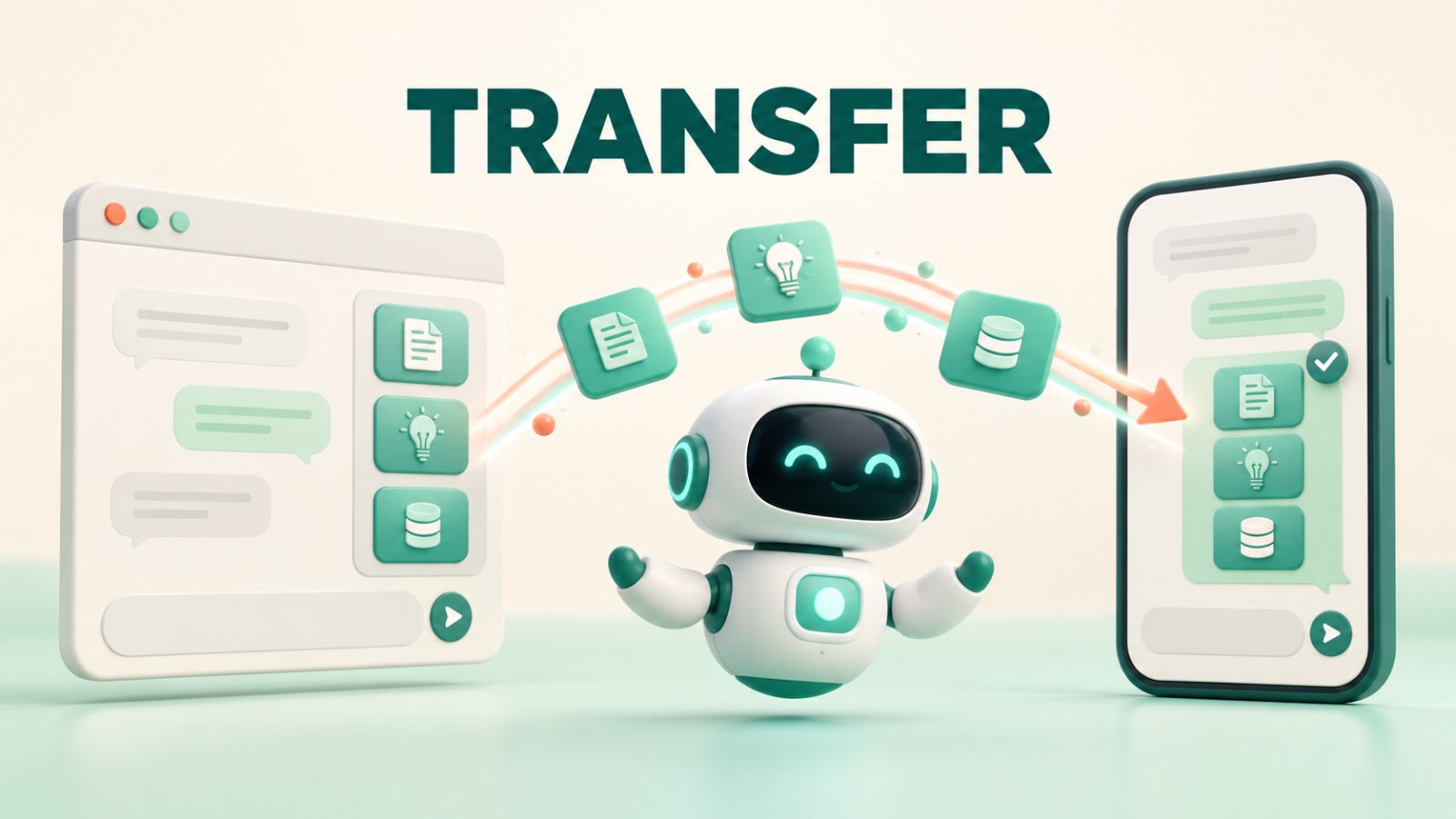
With Matram, the trained agent and its connected content carry from the website to WhatsApp. You do not rebuild the knowledge base or teach the same policies again. WhatsApp still needs its own business number, Meta connection, verified webhook, channel wording and launch tests. If your aim is to add WhatsApp channel to chatbot, think of it as moving the same answer system into a different conversation environment, not copying the website widget onto a phone.
TL;DR
The Matram agent, connected content, grounded answer behaviour and support boundaries carry over.
Website colours, launcher position, page-aware prompts and other widget presentation choices do not.
WhatsApp requires a business number, Meta Graph API access and verified webhook details.
Conversations can sit in the same Matram Inbox and Chat History, with human replies returning to WhatsApp.
Matram's WhatsApp Agent is rolling out and is not enabled for every workspace yet.
Test real WhatsApp messages before launch. A good web answer can still be too long or poorly framed for mobile chat.
Introduction
Your web chatbot may already know the refund policy, delivery areas, product limits and the point where a person must step in. Rebuilding that knowledge for WhatsApp would create two answer systems that slowly disagree.
Matram takes a cleaner route. The same trained agent can answer through a new channel using the content you already connected. The knowledge remains central. WhatsApp changes how the conversation arrives, how it is displayed and which platform rules apply.
That distinction matters when you add WhatsApp channel to chatbot. The content can carry over. The channel setup cannot. Treat those as separate workstreams and the migration becomes easier to test, explain and maintain.
This is a channel migration, not a second chatbot
A trained Matram web agent retrieves information from your approved website pages, help content and files. Moving it to WhatsApp does not create a second brain. According to Matram's WhatsApp Agent page, the same agent and connected content will answer in the new channel, without separate retraining.
That means a corrected delivery policy should not need to be fixed twice. Update the source Matram already uses, allow the content to refresh, then test the answer on both channels.
The setting still changes. A website visitor may have a product page open. A WhatsApp customer may send three words without any visible page context.
When you add WhatsApp channel to chatbot, preserve the answer system but redesign the first few turns for that setting.
What carries over from your trained Matram web agent
1. Connected knowledge sources
The websites, pages, files and help content already connected to the Matram agent remain the basis for its answers. You do not need a WhatsApp-only copy of the same FAQ.
If a policy changes, correct the approved source rather than editing separate answers across channels. Audit those sources before launch because a shared knowledge base cannot answer what the business has never documented.
2. Grounded answer behaviour
Matram still retrieves from connected material before composing the reply. Its scope and refusal behaviour belong to the agent, not the widget.
That is why you should stabilise the web agent before you add WhatsApp channel to chatbot. If the agent cites an outdated returns page or guesses when evidence is missing, the new channel will expose the same weakness to a different audience.
Use the testing order in Matram's chatbot best-practices guide: test grounded answers, unsupported questions and human escalation before expanding the use case.
3. The support scope and boundaries
The agent carries the same definition of what it should answer, refuse or escalate. A web agent limited to public product and policy information should not become an account-management agent on WhatsApp.
General cancellation instructions may come from approved content. Cancelling a specific account needs identity checks and an authorised system action or a human.
4. Human-handoff logic
Escalation reasons carry over: a request for a person, repeated unanswered questions, a complaint, a risky request or private account access.
Matram states that WhatsApp conversations will appear in the same Inbox and Chat History as web chats, with human replies relayed back into WhatsApp. The team can keep one operational queue.
The wording still deserves a review. Matram's chatbot script examples show why a useful handoff says what happens next without promising a response time the team cannot meet.
What does not carry over automatically
Website widget design
Widget colours, launcher placement and browser behaviour belong to the website. WhatsApp controls its interface. Keep the useful part of the welcome message, but rewrite it for a narrow screen and a customer who may not have the website open.
Page context
A web conversation may begin beside the exact product, pricing plan or policy the visitor is reading. WhatsApp does not automatically provide that browsing context. Ask one focused question when the request is ambiguous:
Which product or service are you asking about?
One precise question helps Matram retrieve the right source without forcing the customer through a long menu.
Channel connection and credentials
To add WhatsApp channel to chatbot, you need a WhatsApp Business number and access through Meta's Graph API. Matram's published setup also names a webhook verify token and app secret so inbound events can be authenticated.
These are credentials, not training data. Keep them out of prompts and shared documents. Confirm who owns the Meta assets and can recover access.
WhatsApp policy and outbound-message rules
Moving the agent does not remove Meta's platform requirements. Your business remains responsible for consent, approved messaging patterns, opt-outs, templates where required and the current WhatsApp Business Platform rules.
Platform requirements and charges can change. Assign an owner to check current Meta guidance during setup and before a material messaging change.
Identity and conversation continuity
A shared Matram Inbox does not prove that a WhatsApp sender is the same person who used the website. Do not infer account ownership from a name, number or similar question.
If a request needs personal data or an account action, route it through the business's approved verification process. Migration should preserve helpful context without weakening identity controls.
A practical Matram migration sequence
Step 1: Freeze the answer baseline
Test 20 to 30 real questions against the web agent, including vague messages, misspellings, unsupported questions, complaints and human requests. Record the expected source and outcome as the WhatsApp baseline.
Step 2: Clean the shared content
Remove outdated pages, resolve contradictions and confirm that important answers come from an owned source. Create a WhatsApp-only FAQ only for genuinely channel-specific information.
The wider chatbot use-cases guide is helpful here because it separates content-answering tasks from requests that need a person or another business system.
Step 3: Check Matram channel availability
Matram's WhatsApp Agent is rolling out and cannot yet be switched on in every workspace. Check access before announcing a date or redirecting customers.
If access is not available, keep improving the web agent and prepare the Meta assets. Do not present a preview page as a live connection.
Step 4: Prepare the Meta side
Confirm the WhatsApp Business number, business ownership, application access and webhook credentials. Do not build production access around a contractor's personal account.
When access reaches the workspace, follow the live Matram setup. Interface fields can change, so a current in-product instruction should outrank an old screenshot.
Step 5: Rewrite the channel edges
Keep the knowledge, but shorten the greeting, fallback and handoff messages. Tell customers that they are speaking with an AI assistant, name the questions it can handle and make the route to a person visible.
This is the part teams miss when they add WhatsApp channel to chatbot. They preserve every sentence instead of preserving the job each sentence performs.
Step 6: Test delivery and answer quality separately
A message can reach Matram while the answer is wrong. An answer can be correct while delivery back to WhatsApp fails. Test both layers.
| Test | What to verify |
|---|---|
| Known question | Correct answer from the expected source |
| Vague message | One useful clarifying question |
| Unsupported request | Honest refusal without invented detail |
| Human request | Handoff reaches the shared inbox with context |
| Human reply | Reply returns to the same WhatsApp conversation |
| Connection failure | The team can see and diagnose the failed path |
Run the same test in the web channel. The goal is consistent knowledge with channel-appropriate wording, not identical transcripts.
Step 7: Launch to a controlled audience
Start with one support use case or a limited segment. Review early conversations daily. Fix the shared source when information is missing; adjust the channel wording when a correct reply is simply too long.
Common migration mistakes
Do not retrain from scratch, assume widget settings transfer or launch before Matram enables the channel. Test refusals, handoffs, delivery failures and context-poor messages, not only successful FAQs. Treat the shared inbox as an operational view, never as proof of customer identity.
Avoid those five errors and the project to add WhatsApp channel to chatbot remains a controlled channel expansion rather than a second support build.
Frequently asked questions
Do I need to retrain my Matram agent for WhatsApp?
No. Matram says the same agent and connected content carry to WhatsApp. Audit the sources and retest the answers, but do not rebuild the knowledge base solely for the channel.
What do I need to add WhatsApp channel to chatbot?
You need a trained Matram agent, WhatsApp access in the workspace, a WhatsApp Business number, Meta Graph API access and the verification details requested by the live connection flow.
Will my website widget settings appear in WhatsApp?
No. Website presentation choices such as launcher position, colours and page-aware opening behaviour do not become WhatsApp interface settings. Keep the agent logic and rewrite the channel-specific messages.
Will web and WhatsApp conversations appear together?
Matram says WhatsApp conversations will land in the same Inbox and Chat History as web chats. That gives the team one place to work, but it should not be treated as automatic identity matching between channels.
Can every Matram workspace use WhatsApp now?
No. The channel is rolling out and is not enabled for every workspace. Confirm access before committing to a launch date.
Move the same knowledge, then prove the new channel
The safest way to add WhatsApp channel to chatbot is to keep the trusted parts and retest the changed parts. With Matram, the trained agent, approved content, answer boundaries and handoff logic form the reusable core. The WhatsApp Business number, Meta connection, webhook controls, opening message and mobile test plan belong to the new channel.
Do not maintain two versions of the truth. Keep the source content central, compare web and WhatsApp answers against the same baseline, and launch only when delivery and human handoff work end to end.
Review Matram's WhatsApp Agent, confirm whether it is enabled for your workspace and prepare the trained web agent now. When access arrives, you can add WhatsApp channel to chatbot without rebuilding the support knowledge your team already tested.
See Matram in action
Watch it answer from real content, with the exact source page cited, on the live demo.
Book a demo