Webhook Lead Routing for AI Chat Agents: Setup Guide for Developers

Short answer
A webhook lead routing AI chat agent sends captured lead data and conversation context from Matram to an HTTPS endpoint you control. Matram signs each outbound POST with HMAC-SHA256 in the x-signature header. Your receiver must preserve the raw request body, verify that signature before trusting the payload, validate the event, store or enqueue it durably, and then map it into your CRM. Build idempotency and visible failure handling into the receiver because a successful chat does not prove that the downstream record was created.
TL;DR
Matram can send a lead, transcript, event type and workspace ID to your webhook endpoint.
Verify x-signature against the raw body before parsing JSON.
Use a constant-time comparison and keep the signing secret outside the source code.
Return success only after the event has been accepted into durable processing.
Make CRM writes idempotent so retries cannot create duplicate records.
Separate permanent validation errors from temporary CRM or network failures.
Test valid, invalid, duplicate, delayed and unavailable-destination cases before launch.
Introduction
Native connectors are useful until your routing requires a system, field or workflow they do not cover. A signed webhook gives your team control without giving the AI agent broad internal access.
Matram captures the visitor's details and context, then sends the event to your endpoint. Your code validates, stores and routes it. That makes a webhook lead routing AI chat agent suitable for Salesforce, a custom CRM or internal middleware.
The receiver is a production integration. It needs authentication, idempotency, useful logs and a recovery path. This guide builds those controls in order.
How Matram webhook lead routing works
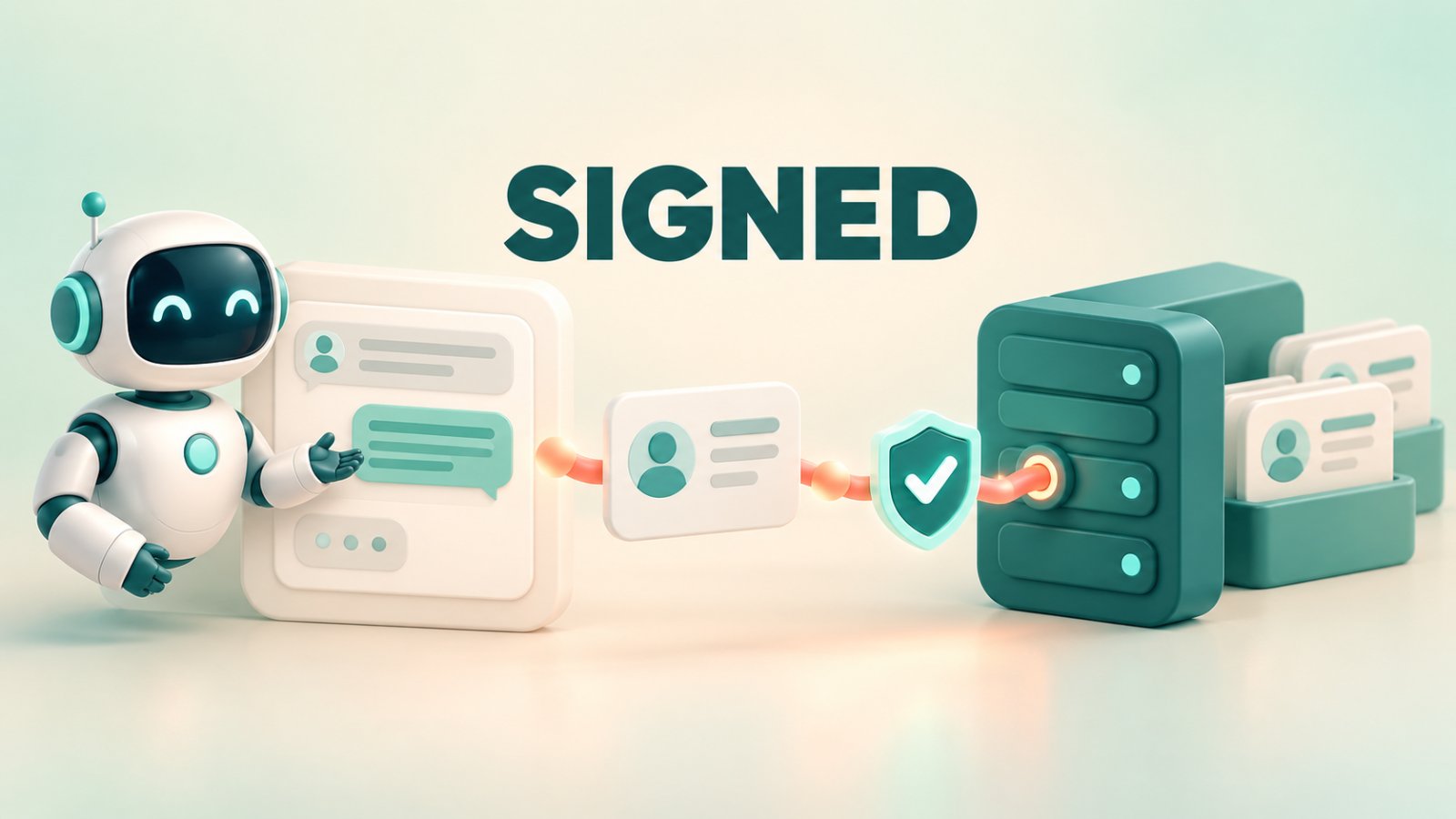
Matram's API and webhook integration sends an outbound POST when the action fires. It carries the lead, transcript, event type and workspace ID. Matram signs the body with HMAC-SHA256 in x-signature as sha256=<hex>.
The basic flow is:
- A visitor has a useful conversation with Matram.
- Matram captures the lead or triggers the configured routing action.
- Matram serialises the event and signs the exact request body.
- Your HTTPS endpoint receives the body and signature.
- Your code verifies the signature before parsing or processing the event.
- A worker maps the accepted event into the CRM or destination system.
Matram supplies the data and conversation. Your integration owns validation, transformation, record creation, assignment and recovery.
If the capture experience itself still needs work, review Matram's guide to the best chatbot for lead generation. This article begins at the point where a valid lead is ready to leave Matram.
Before you build the endpoint
A webhook lead routing AI chat agent needs four things:
- an HTTPS endpoint reachable from the public internet;
- a strong webhook secret stored in a secret manager or protected environment variable;
- a durable queue or database that can accept verified events; and
- CRM credentials limited to the records and actions the integration needs.
Define which events create a contact, update a lead, open an opportunity or enter manual review. Do not infer business intent from free text when Matram supplies an event type and structured lead data.
Keep development and production endpoints, secrets, credentials and logs separate. Never send production visitor data to a local console or shared testing tool.
Step 1: Create a narrow HTTPS receiver
Give the webhook lead routing AI chat agent a dedicated route such as /webhooks/matram. Accept POST only, enforce TLS and limit request size. Do not expose a general-purpose CRM proxy.
The receiver should do very little synchronously:
- read the untouched request bytes;
- read the x-signature header;
- verify the signature;
- parse and validate the event;
- place the accepted event into durable processing; and
- return a successful status.
Run slow CRM calls after durable acceptance so a temporary CRM delay does not hold the connection open.
Step 2: Verify the Matram signature over the raw body
Signature verification is the security boundary. Matram signs the original bytes. Parsing and serialising JSON again can change whitespace or key order and break verification.
The following Node.js example shows the verification pattern:
import express from "express";
import { createHmac, timingSafeEqual } from "node:crypto";
const app = express();
const secret = process.env.MATRAM_WEBHOOK_SECRET;
if (!secret) throw new Error("MATRAM_WEBHOOK_SECRET is required");
"/webhooks/matram",
express.raw({ type: "application/json", limit: "1mb" }),
async (req, res) => {
const received = req.get("x-signature") || "";
const expected =
"sha256=" + createHmac("sha256", secret).update(req.body).digest("hex");
const receivedBytes = Buffer.from(received);
const expectedBytes = Buffer.from(expected);
const valid =
receivedBytes.length === expectedBytes.length &&
timingSafeEqual(receivedBytes, expectedBytes);
if (!valid) return res.sendStatus(401);
const event = JSON.parse(req.body.toString("utf8"));
await enqueueDurably(event);
return res.sendStatus(202);
}
);
Register this route before global JSON middleware consumes the body. Replace enqueueDurably with your real queue or transactional storage operation.
Never log the secret, calculated HMAC or unredacted payload. Rotate an exposed secret through a controlled deployment.
Step 3: Validate the event after authentication
A valid signature proves possession of the shared secret, not that every value suits your CRM.
Validate the payload against your Matram schema. Check event type, workspace ID, required fields and data types. Reject unknown workspaces so a shared endpoint cannot route data into the wrong tenant.
Treat the transcript as untrusted input. Store it as content, escape it in internal tools and never concatenate visitor values into SQL, shell commands or CRM queries.
Allow additive schema changes. Reject missing required fields or invalid types, not an unused optional property.
Step 4: Make processing idempotent
A webhook lead routing AI chat agent must assume an event can be processed more than once. A timeout can leave the sender unsure of acceptance, while a worker can restart after the CRM writes but before recording success.
Use a stable event identifier when available and store it with a uniqueness constraint. If none is exposed, confirm the production schema with Matram and consider a digest of the verified body within a defined replay window.
Make CRM operations safe to repeat. Upsert by a stable identifier such as email when appropriate, but keep event identity separate because one contact can submit several enquiries.
Idempotency does not mean discarding every repeated email address. It means preventing the same webhook event from creating the same downstream action twice.
Step 5: Map Matram data without losing context
For a webhook lead routing AI chat agent, the goal is not to move an email address. It is to preserve enough context for the next action.
| Matram event data | Recommended destination | Handling rule |
|---|---|---|
| Lead identity and supplied contact details | Standard CRM contact fields | Do not invent missing values |
| Event type | Integration routing rule | Allow only recognised values |
| Workspace ID | Tenant or source validation | Reject unexpected workspaces |
| Conversation transcript | CRM note, activity or linked storage | Preserve safely and control access |
| Derived summary, if present | Follow-up context | Keep it separate from the original transcript |
Store the transcript in a note, activity or protected linked record, not a short CRM property. Keep it distinct from generated summaries.
Matram's chatbot best practices explains why the transcript should travel with the handoff. It prevents the visitor from repeating the conversation and gives the receiving team evidence for the next response.
Step 6: Separate routing logic from webhook acceptance
Keep territory rules, CRM lookups and notifications outside the HTTP handler. Let a worker perform them after the event enters a queue.
For each processed event, record:
- internal event ID;
- received time;
- Matram workspace and event type;
- validation result;
- destination system and record ID;
- attempt count;
- final state; and
- a redacted error category.
The worker can apply deterministic region, product, account or round robin rules. The AI should not guess the owner or bypass CRM rules.
Matram delivers the lead, while the CRM or controlled integration applies ownership.
Step 7: Design failure responses deliberately
Your endpoint needs different behaviour for different failures.
- Return 401 when the signature is missing or invalid.
- Return a suitable 4xx response when an authenticated payload is permanently unusable.
- Return success only after the event has been stored or enqueued durably.
- Treat CRM timeouts, rate limits and temporary outages as retryable worker failures.
- Move repeatedly failing jobs to a dead-letter queue and alert an owner.
Matram's public integration page confirms signed webhook delivery but does not publish a complete retry schedule or backoff contract. Do not assume a particular redelivery pattern. Confirm current behaviour with Matram before relying on sender retries, and keep your own recoverable processing record.
Logs should identify the stage that failed without exposing personal data. “CRM authentication rejected” is useful. Printing the full visitor transcript and access token is not.
Step 8: Test the production path
Test the webhook lead routing AI chat agent through a real Matram conversation, not only with a handcrafted curl request.
Cover these cases:
- A valid signed event creates the intended CRM record and context note.
- A changed body with the old signature returns 401.
- A missing signature is rejected before JSON parsing.
- The same verified event is received twice but produces one downstream action.
- An unknown workspace or event type is quarantined or rejected.
- The CRM is unavailable and the queued event remains recoverable.
- A malformed transcript cannot inject markup, queries or commands.
- Logs and alerts contain identifiers but not secrets or unnecessary personal data.
Matram's guide on how to build a chatbot can support the wider launch review, including training, behaviour and escalation checks that sit outside the webhook receiver.
Production readiness checklist
A webhook lead routing AI chat agent is ready only when all of the following are true:
- the endpoint accepts HTTPS POST requests only;
- raw request bytes remain available for verification;
- x-signature is checked with HMAC-SHA256 and constant-time comparison;
- secrets are stored and rotated securely;
- workspace, event type and required fields are validated;
- accepted events enter durable storage before success is returned;
- duplicate processing is prevented;
- CRM permissions follow least privilege;
- transient failures are retryable and permanent failures are visible;
- transcripts and logs follow your retention and access policies; and
- an owner can replay or resolve failed events.
Frequently asked questions
Does Matram sign outbound webhook requests?
Yes. Matram signs the POST body using HMAC-SHA256 and sends the result in x-signature as sha256=<hex>. Verify it against the untouched request body.
Should the receiver call the CRM before responding?
Prefer durable acceptance first. Enqueue or store the verified event, return success and let a worker perform slower CRM operations. Do not return success before the event is safely retained.
Can one endpoint receive events from several Matram workspaces?
It can, but the receiver must validate the workspace ID and keep tenant routing explicit. Separate endpoints or secrets may be easier to operate when access boundaries differ.
How should a webhook lead routing AI chat agent prevent duplicate CRM records?
Deduplicate the webhook event with a stable event key, then use the CRM's appropriate upsert rule for the contact. Event idempotency and contact matching solve different problems.
Build the webhook as a production boundary
A webhook lead routing AI chat agent is ready when your team can verify each request, process it once, recover failures and explain where every accepted lead went.
Matram provides the signed outbound event, lead details and conversation context. Your receiver should stay narrow: authenticate the raw body, validate the event, store it durably and hand it to deterministic routing logic. That design keeps CRM permissions controlled and makes failures visible instead of losing leads silently.
Use Matram's API and signed webhooks to connect captured conversations to the systems your team already owns.
See Matram in action
Watch it answer from real content, with the exact source page cited, on the live demo.
Book a demo