What Is an AI Web Agent? A Complete Guide for Website Support

TL;DR
A content-grounded AI web agent can turn existing pages, help documents and files into a conversational source of answers.
A browser agent is different: it is designed to navigate websites, click elements and carry out online tasks.
Its answer quality depends heavily on the content you give it.
Source citations, answer controls and human handoff matter more than an impressive demo.
It is best suited to repeatable questions that can be answered from approved information.
It may be a poor fit when most enquiries require private account data, judgement or changes inside other systems.
Start with one narrow use case, test it against real questions and review the conversations after launch.
Short answer: An AI web agent is software that uses AI to interact with people or perform work through the web. The term covers two different products: an agent that answers visitors on your website and an agent that operates websites by clicking, typing and completing tasks. This guide focuses on the first an AI web agent for website support while making the boundary clear.
At 10.45 pm, a potential customer asks whether your service supports three locations under one account. The answer exists, but it is split between a help article and a PDF. Nobody is online, and the visitor is unlikely to read both. A content-grounded agent such as Matram can find the relevant passages, answer directly and link the source it used. Its practical value is making approved information easier to reach when someone needs it.
“AI web agent” can mean two different things
There is no single market-wide use of the term. Some vendors mean a customer-facing website agent. Others mean software that controls a browser. Apify’s experimental AI Web Agent, for example, can browse, click, fill forms and extract information. A third, adjacent category is the autonomous agent that works across connected business systems.
The distinction matters because the implementation and expected outcome are different.
| Product category | Main job | Typical scope | Example outcome |
|---|---|---|---|
| Website support agent | Answers visitors using business content | Conversation, lead capture and human handoff,depending on the product | Explaining a returns policy and linking the source |
| Browser-operating agent | Navigates and interacts with websites | Browser actions such as clicking , typing and extracting information | Opening a supplier site and submitting a form |
| Autonomous cross-system agent | Plans steps and uses authorised tools | Connected business systems and records | Checking an order and , if permitted , processing a refund |
Anthropic’s engineering guidance makes a similar distinction: workflows follow predefined paths, while agents direct their own process and tool use. A content-grounded website agent alone is not enough for multi-step work across external systems.
If you need a deeper terminology breakdown, read AI agent vs chatbot. For the rest of this guide, “AI web agent” means the customer-facing website support product.
How a customer-facing web agent produces an answer
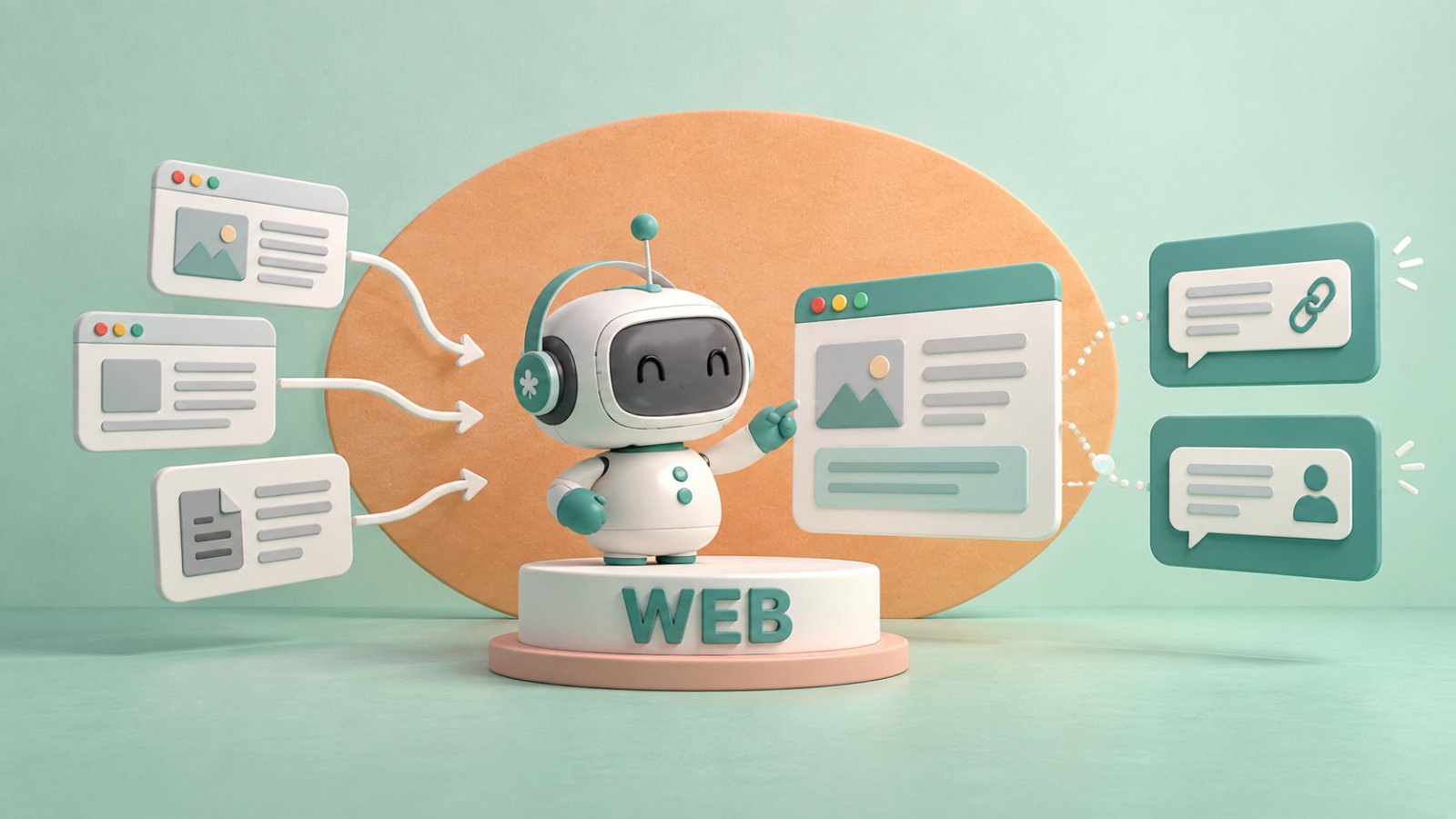
Before the chat can answer reliably, it needs a controlled information pipeline. You connect approved sources such as product pages, help articles and policy documents. The platform divides that content into passages and indexes them so it can search by meaning, not only by exact keywords.
When a visitor asks a question, the agent retrieves the most relevant passages. A language model uses them to compose a reply. This is retrieval-augmented generation, or RAG: the model receives relevant material at answer time rather than relying on memory. Matram uses this content-grounded process and returns the answer with a link to the source page.
A responsible implementation should show the source and define what happens when it cannot support an answer: clarify the question, admit the information is unavailable or hand the conversation to a person.
Retrieval reduces unsupported answers but cannot eliminate errors. Outdated or contradictory content can still produce a weak response, so ongoing review remains necessary.
What a customer-facing web agent can realistically do
The strongest use cases have repeatable, documented answers: delivery areas, cancellation rules, opening hours, setup instructions and feature availability. During a sales journey, the agent might explain plan differences or collect contact details for follow-up.
It can answer a question and point to the right page instead of expecting visitors to understand your navigation. Multilingual replies can help international visitors, although important translations and specialist terms still need testing.
Conversation records show what people actually ask. Repeated failures may expose a missing article or unclear pricing language, revealing weaknesses in the underlying content.
What a website AI agent cannot do without integrations
A website agent cannot safely answer information it cannot access. “Where is my order?” requires authenticated access to the correct customer record, not a general delivery policy. Refunds, booking changes and subscription updates also require integrations, permissions, validation and an audit trail. A content-only agent should hand these requests to a person.
Unusual complaints, high-value decisions and legal, medical or financial consequences may still require accountable human judgement.
The honest buying test is simple: does the task end with an answer, or with a changed record? A website support agent is well suited to the first. The second requires transactional automation or an autonomous agent with carefully limited access.
When a website support agent may be unnecessary
You may not need an AI web agent if enquiry volume is low and a clearer page or FAQ would solve the problem. It is also a poor starting point when your content is outdated or contradictory; an agent cannot decide which of two policies is correct.
Reconsider it if nearly every conversation needs account verification, an exception or a staff decision. The agent may collect context and route the enquiry, but it should not be presented as resolving it.
What to prepare before launching a website support agent
Begin with scope. “Answer everything about our business” is not workable. “Answer pre-sales questions about plans, supported features and implementation from these approved pages” is testable.
Assign a content owner who updates sources when prices, policies or capabilities change. Automatic recrawling cannot find an update your team never published. Also define when handoff is offered, which team receives it, what information is collected and what happens outside staffed hours.
Your security review should establish what is stored, what reaches a model provider, how workspaces are separated and which certifications the vendor holds. Matram publishes these details directly: it says customer content is not used to train AI models, workspaces use Postgres row-level security and connector tokens are encrypted at rest. It also explains what it does not currently offer.
How to evaluate an AI web agent
Start with answer traceability. Ask the same question in several forms and check whether the cited source genuinely supports the reply. Then test a question absent from the approved material. Does the agent recognise the gap, or fill it with plausible language? Look for a strict mode when unsupported answers create material risk.
Check the operational details as well:
- Which webpages, sitemaps, files and connected platforms can it read?
- How frequently can each source be refreshed?
- Can you review unanswered questions and full conversation transcripts?
- Can a visitor reach a person without beginning again?
- Are message, source, channel and team-seat limits clear?
- Can you test the agent privately before adding it to the website?
- What data is sent to third-party model providers?
- Can the vendor meet your required security and compliance standard?
Test misspellings, vague questions, conflicting sources and attempts to push the agent outside its scope. The chatbot best-practices guide covers this work in more detail.
How to launch and measure your website agent
Launch with one use case and a test set based on real conversations. Matram’s guide to building a chatbot recommends starting with 20–30 real customer questions. Complex products may need more. Include follow-ups, ambiguous wording and questions the agent should refuse.
After launch, measure conversations resolved without a person, unsupported questions, escalations, repeated contacts and qualified leads. Sample transcripts too: a reported resolution is worthless if the visitor received an incomplete answer and left.
Use the findings to improve the website. If visitors repeatedly ask whether implementation requires a developer, add the answer to the relevant page. Everyone then benefits, including people who never open the chat.
Where Matram’s web agent fits—and where it does not
Matram’s AI web agent is built specifically for the website-support category described in this guide. You can provide a page, crawl a website, import an XML sitemap or upload PDF, DOCX, TXT, MD and CSV files up to 10MB each. Matram retrieves passages from that content, writes an answer and links the source it used. That combination gives visitors a direct response while allowing them—and your team—to inspect the supporting page.
Strict mode limits answers to approved content and offers human help when the material does not cover the question. The product also provides lead capture, human handoff, conversation review and reporting on captured leads, unanswered questions and chats resolved without a person. Matram states that it can answer in more than 95 languages.
Installation uses one script tag, and the same trained bot can be reused across several websites. Matram’s plans use flat monthly pricing based on message volume, with unlimited team seats. That can make team access easier to budget. You still need reliable sources, clear boundaries and realistic testing.
Matram is not an autonomous browser agent. It does not issue refunds, edit orders or plan multi-step work inside your other systems. It will therefore be a poor fit if those actions are the main outcome you need.
Matram is direct about its procurement limits. It currently states that it does not hold SOC 2 or ISO 27001 certification and does not offer on-premise, private-cloud or dedicated single-tenant deployment. Teams requiring those conditions should not shortlist it today. The same security page explains content flow, workspace isolation, token storage and deletion alongside the assurances Matram does not yet have.
Frequently asked questions about AI web agents
Is an AI web agent the same as a chatbot?
Sometimes. A customer-facing AI web agent communicates through a chat interface and may technically be an AI chatbot. In stricter usage, an agent chooses actions and uses tools to complete a goal. Ask what the product actually does rather than relying on its label.
Can an AI web agent browse websites and complete forms?
Some can. Browser-operating web agents are designed to navigate pages, click and type. A website support agent such as Matram answers visitors from connected content; it does not operate external websites for them.
Do I need coding to add one to my website?
That depends on the product. A hosted platform may reduce setup to configuring the agent and adding an embed script, while a custom system requires development and maintenance.
How do you stop an AI web agent from inventing answers?
Use approved, current sources; require citations; enable the strictest supported grounding controls; define a refusal and escalation route; and test unsupported questions. These controls reduce risk but do not remove the need for ongoing review.
How long does an AI web agent take to launch?
Matram installs through one script tag, and its product page describes the technical setup as taking minutes. A responsible launch takes longer because your team must audit content, configure boundaries, test realistic questions and arrange handoff. The overall time therefore depends on content readiness and risk, not only on the embed code.
Is an AI web agent suitable for every business?
No. It works best when a meaningful share of questions have documented, repeatable answers. Low enquiry volume, poor source content, compliance requirements the vendor cannot meet or predominantly transactional requests may make another approach more sensible.
Is an AI web agent right for your website?
A website AI web agent is most useful when customers need direct answers from information your business has already approved. Its value depends on source quality, answer controls, clear limitations and a working route to a person—not on how confidently it speaks.
Define the job before comparing products. If the job ends with an answer, evaluate grounding, citations and handoff. If it ends with a changed order, booking or account record, evaluate a transactional or autonomous agent instead.
If website support is the job, Matram offers a focused route: answers grounded in your content, source links, strict-mode boundaries, lead capture and human handoff without requiring a custom build. You can test Matram with your own content during its 30-day trial, with no credit card required. Ask difficult questions, inspect the cited sources and check how it handles something your content does not answer. Review the current limits before choosing a plan.
See Matram in action
Watch it answer from real content, with the exact source page cited, on the live demo.
Book a demo