How AI Chatbot to Zendesk Ticket Routing Works

Short answer
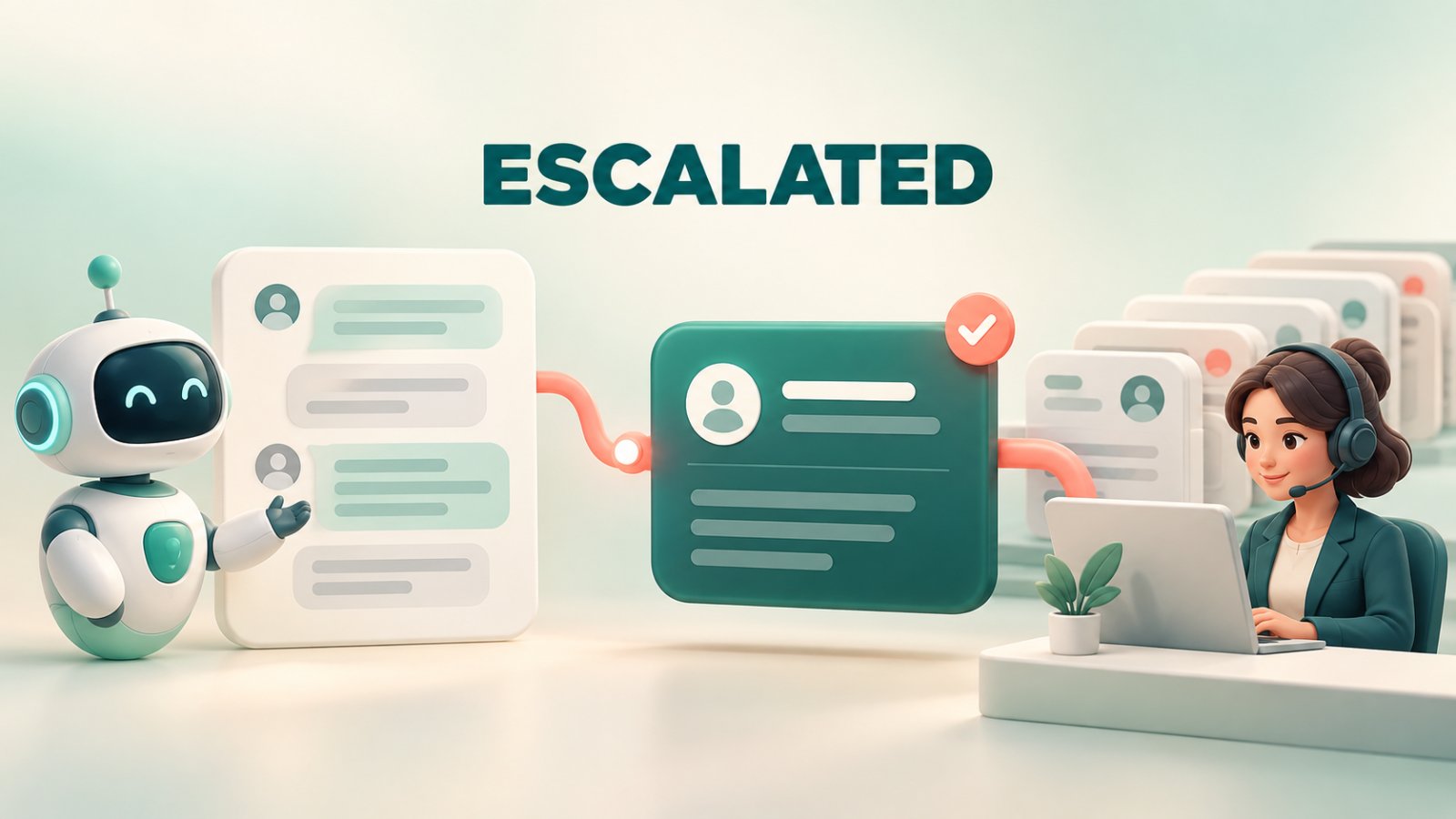
AI chatbot to Zendesk ticket routing turns a Matram conversation into a new Zendesk ticket when the visitor asks for a person, the agent cannot answer safely or a configured escalation rule applies. Matram generates the subject, adds the full conversation as the first comment and sets the visitor as requester when their name and email are available. Zendesk then applies its triggers, views, groups and service rules, while agents can use existing macros. Matram creates the contextual handoff; Zendesk controls ticket ownership and resolution.
TL;DR
Matram answers documented questions before creating unnecessary tickets.
A visitor can request a person at any point.
Matram creates a new Zendesk ticket on escalation or lead capture.
The ticket contains a generated subject and the full transcript as its first comment.
The visitor becomes the requester when Matram has their name and email.
Zendesk triggers, views and SLA policies apply after ticket creation, while agents can use existing macros.
Matram does not read existing ticket history or customer profiles, and it does not sync macros.
Test the full route from website conversation to assigned Zendesk queue before launch.
Introduction
A chatbot handoff fails when it only promises a response. The team needs a real ticket, useful context and a clear owner.
Matram answers from approved content, provides a route to a person and creates a Zendesk ticket when human attention is needed. Zendesk manages the operational work.
That division is the key to the AI chatbot to Zendesk ticket routing. Matram creates a focused handoff instead of recreating Zendesk inside chat.
This guide explains the lifecycle, ticket data, ownership and required tests.
The AI chatbot to Zendesk ticket routing lifecycle
An AI chatbot to Zendesk ticket routing flow has seven stages:
- The visitor starts in Matram. They ask a question through the website agent.
- Matram checks the approved knowledge. It answers when the connected content supports a useful response.
- An escalation condition occurs. The visitor asks for a person, Matram cannot answer within its configured boundary, or the conversation matches a human-only case.
- Matram captures identity when needed. Name and email allow Zendesk to recognise the visitor as a requester.
- Matram creates a new ticket. It generates the subject and adds the full transcript as the first comment.
- Zendesk applies support rules. Triggers, views, groups and SLA policies determine visibility, ownership and follow-up.
- An agent continues with context. The agent can see the conversation instead of making the visitor start again.
The ticket is the boundary between automated answering and human support. Matram must create a useful ticket, and Zendesk must place it where somebody will act.
For the wider difference between answering and configured actions, read Matram's AI agent versus chatbot guide.
What should trigger a Zendesk ticket?
AI chatbot to Zendesk ticket routing needs a defined escalation policy, not an instruction to “send difficult questions.”
Useful triggers include:
- the visitor directly asks for a human;
- the answer is not supported by Matram's connected content;
- the request needs account-specific information;
- the issue requires judgement, approval or an exception;
- the visitor raises a complaint or sensitive billing issue; or
- the action cannot be completed safely in chat.
Do not turn every conversation into a ticket. Questions answered correctly from the Help Center can end in chat. Extra tickets duplicate work and hide genuine escalations.
Do not delay a direct human request. Matram allows the visitor to ask for a person at any point. Acknowledge the handoff, collect required details and explain the next step without promising an unsupported response time.
Matram's chatbot best-practices guide explains why scope, grounded answers, human access and transcript review should be designed together.
What Matram puts into the Zendesk ticket
The current Matram integration creates a standard Zendesk ticket. Its documented contents are specific:
| Ticket element | What Matram provides | Why it matters |
|---|---|---|
| Subject | Generated from the conversation | Gives agents a quick indication of the issue |
| First comment | Full conversation transcript | Preserves the questions, answers and escalation context |
| Requester | Visitor name and email, when supplied | Connects the ticket to the person who needs a response |
| Ticket record | A new standard Zendesk ticket | Allows Zendesk workflows to act after creation |
Matram does not claim to populate every custom field, priority, tag or ticket form. If a workflow depends on them, inspect the created record and add a Zendesk-side rule or custom integration.
AI chatbot to Zendesk ticket routing fits when the subject, transcript and requester are enough for Zendesk to take over. Private lookups, existing-ticket updates or complex mapping require deeper integration.
Requester identity decides whether follow-up works
Matram can set the requester only when the visitor supplies the necessary details. Without email, the team may lack a reliable reply path.
Ask for identity at the point of handoff, not at the beginning of every conversation. A useful order is:
- answer what Matram can answer;
- recognise the need for a person;
- explain why contact details are required;
- collect name and email; and
- confirm that the case is being sent to support.
This preserves low-friction self-service and prevents the chatbot from behaving like a lead form before helping.
Test mistyped and missing email addresses. Never imply that follow-up is guaranteed without a working contact route.
Why the transcript matters more than a summary alone
The transcript shows what the visitor asked, what Matram answered and why escalation occurred.
A generated subject helps triage but cannot replace the exchange. A summary may omit a qualification or complaint. The full conversation gives the agent a source record.
Agents should read it critically. Visitor input is untrusted, and an AI response may need correction. The transcript provides context, not proof.
AI chatbot to Zendesk ticket routing lets the human continue the conversation instead of receiving only an email address.
Where Matram routing ends and Zendesk routing begins
Matram creates the ticket. Zendesk decides what happens to that ticket inside the support operation.
Zendesk triggers act on matching conditions when a ticket is created or updated. Views control visibility, groups and assignees establish ownership, and SLA policies measure configured commitments.
The practical responsibility split is:
- Matram: answers from connected content, recognises or receives the escalation, captures requester details and creates the contextual ticket.
- Zendesk: evaluates ticket conditions, places the ticket in views or groups, assigns ownership, sends notifications and manages the support lifecycle.
Zendesk triggers run in order, and an earlier trigger can change values used later. Test Matram tickets against the complete sequence.
Ticket creation does not equal assignment. Every Matram ticket needs a visible fallback view or group when no rule matches.
Build Zendesk rules around facts the ticket contains
Zendesk conditions must use available ticket fields. Inspect a real Matram ticket and confirm its requester, subject, comment, brand and automatically applied values.
Route only on reliable fields. Do not build a product, region or urgency rule unless that value reaches Zendesk consistently.
If your process needs data that the native Matram action does not populate, choose one of three options:
- let an agent classify the ticket during triage;
- use a Zendesk trigger or automation when the required condition is available; or
- use Matram's signed webhook route and controlled middleware for custom field mapping.
Matram creates the documented ticket. Zendesk or a custom workflow provides additional operational logic.
Test the route from the visitor's perspective
A saved connection does not prove that AI chatbot to Zendesk ticket routing works. Run each test from the website widget and inspect the final ticket.
Use these scenarios:
- Answerable question: Matram answers from the Help Center and does not create a ticket.
- Direct human request: The visitor asks for a person and reaches the contact step immediately.
- Unsupported question: Matram follows the configured decline and escalation rule rather than guessing.
- Identified requester: The supplied name and email appear correctly in Zendesk.
- Missing email: Matram does not imply that a reply is guaranteed without a working contact route.
- Transcript check: The first comment contains the complete conversation in a readable order.
- Routing check: Zendesk places the ticket in the intended view or group and applies the correct notification and SLA rules.
- Fallback check: An unmatched case remains visible to a named team.
- Failure check: An invalid or unavailable Zendesk connection becomes visible to the integration owner.
Use test identities that are easy to recognise and remove. Do not test with a real customer's data.
Matram's guide to chatbot use cases can help separate conversations that need an answer, an action or a human decision.
Common Zendesk ticket-routing mistakes
Escalating everything
If every chat becomes a ticket, the integration has moved the queue rather than reduced unnecessary work. Tighten the escalation policy and improve the connected Help Center content.
Collecting no reply address
A full transcript does not help if the team cannot reach the requester. Make email collection part of the handoff when follow-up happens outside the live chat.
Treating the generated subject as complete classification
The subject is a triage aid, not a guaranteed category, priority or ticket form. Use verified Zendesk fields for operational rules.
Assuming a ticket has an owner
Ticket creation and ticket assignment are separate. Confirm the resulting group, assignee, view and fallback queue.
Ignoring the integration boundary
Matram creates new tickets but does not read existing ticket history or customer profiles. Do not design a flow that depends on information Matram cannot access.
Measure the handoff, not only ticket volume
More tickets do not prove that AI chatbot to Zendesk ticket routing is working. Measure whether the correct conversations reach a person with usable context.
Track the number of escalations, escalation reason, missing-requester rate, ticket-creation failures, fallback-queue volume, time to assignment and time to first human response. Review a sample of transcripts to see whether Matram escalated too early, too late or for the wrong reason.
Also inspect repeat contacts. If visitors open another chat because the first ticket received no response, the problem is downstream ownership rather than chatbot routing.
Frequently asked questions
Does Matram create a new Zendesk ticket or update an existing one?
Matram's documented integration creates a new ticket. It does not read or update existing ticket history.
What appears in a Matram-created Zendesk ticket?
The ticket contains a generated subject, the full transcript as the first comment and the visitor's name and email when provided.
Can Zendesk trigger route tickets created by Matram?
Yes. Matram creates standard Zendesk tickets, so triggers, views and SLA policies can apply, while agents can use existing macros. Test your actual rule order and ticket fields.
Does Matram assign the Zendesk agent?
Matram creates the contextual ticket. Assignment should be handled through the Zendesk rules and ownership model configured by your team.
When is AI chatbot to Zendesk ticket routing not enough?
Use a deeper workflow when the agent must read private ticket history, update an existing case, inspect customer profiles or populate complex custom fields before routing.
Make the handoff operational, not symbolic
AI chatbot to Zendesk ticket routing works when Matram answers what it can, recognizes when a person is needed and creates one useful ticket with the requester and conversation attached. Zendesk must then place that ticket in a visible queue with clear ownership.
Keep the boundary deliberate. Let Matram manage the website conversation and contextual handoff. Let Zendesk manage triggers, views, assignments, macros and service commitments. Test both sides together because a ticket that exists but reaches nobody is not a successful handoff.
Connect Matram to Zendesk and test the complete route with real support scenarios before publishing it to customers.
See Matram in action
Watch it answer from real content, with the exact source page cited, on the live demo.
Book a demo